Quick answers to the questions that come up most.
Do I need an Apple TV, Fire TV, or Chromecast?
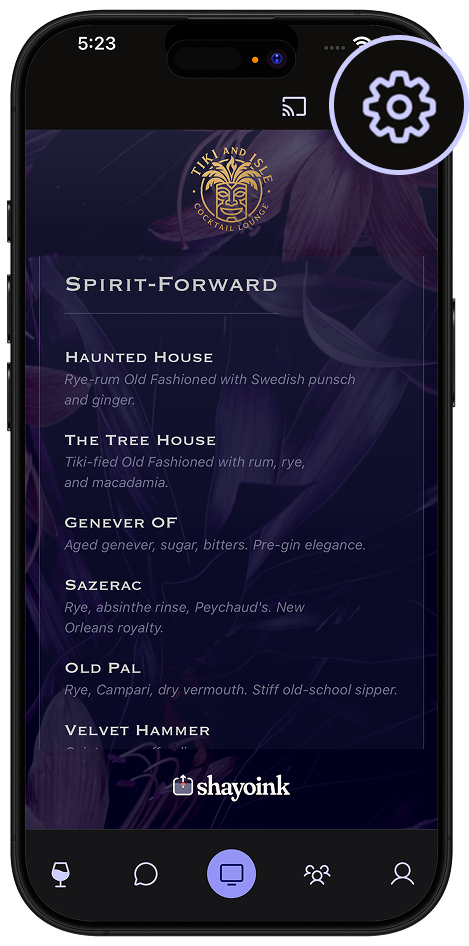
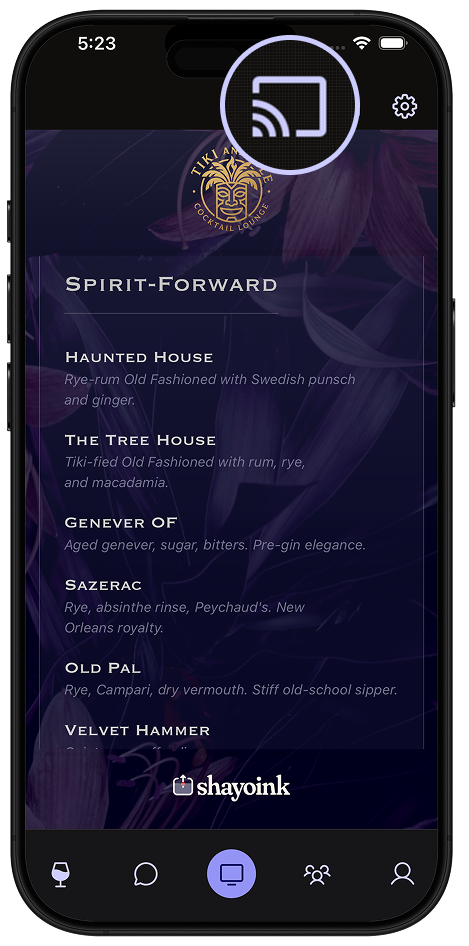
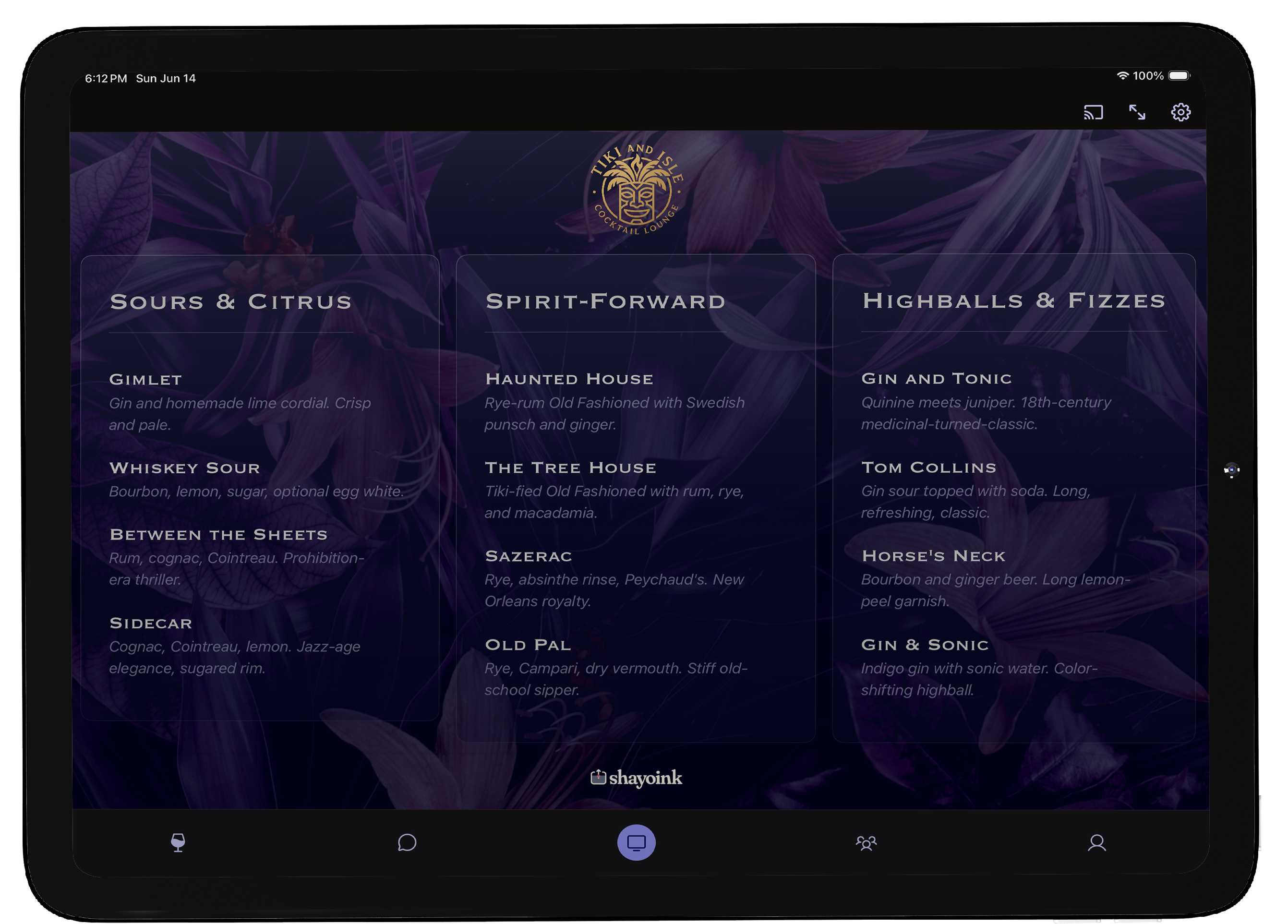
No. You can use the app's Display mode on a phone or iPad as the screen itself. An Apple TV, Fire TV, or Chromecast just puts your menu on the big screen in the room.
Does it work on a Roku?
Not yet — Roku doesn't allow the kind of app shayoink needs. To put your menu on a TV, use an Apple TV, Fire TV, or Chromecast — or use Display mode on a phone or iPad as the screen.
Does casting cost anything extra?
No — casting is free, on every account. The optional one-time Pro upgrade removes the small "powered by shayoink" credit at the bottom of the TV view and lifts the collection cap.
Does the menu update live?
Yes. Edit a drink, swap a color, reorder a section — connected TVs reflect the change in real time. No re-casting needed.
Can I connect more than one TV?
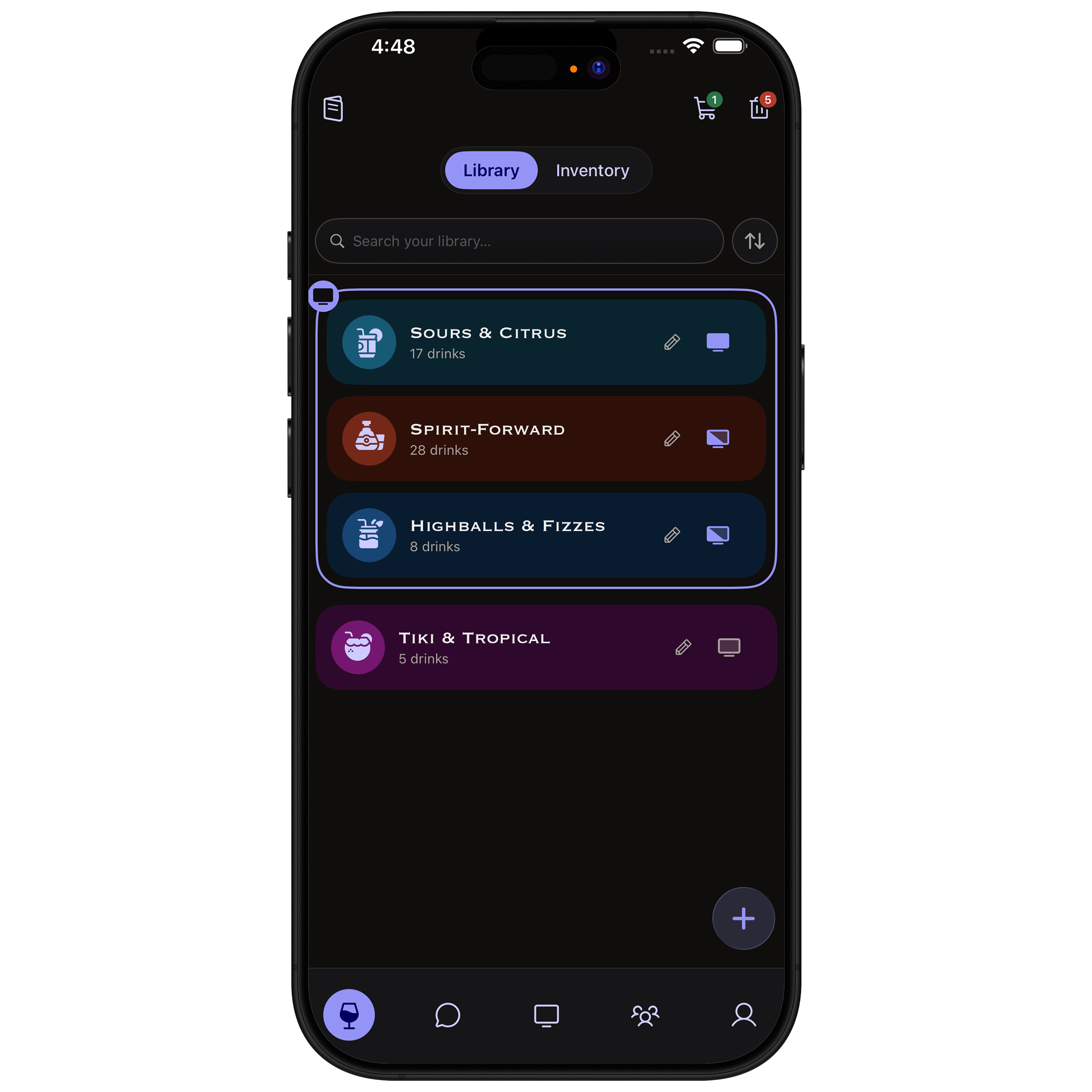
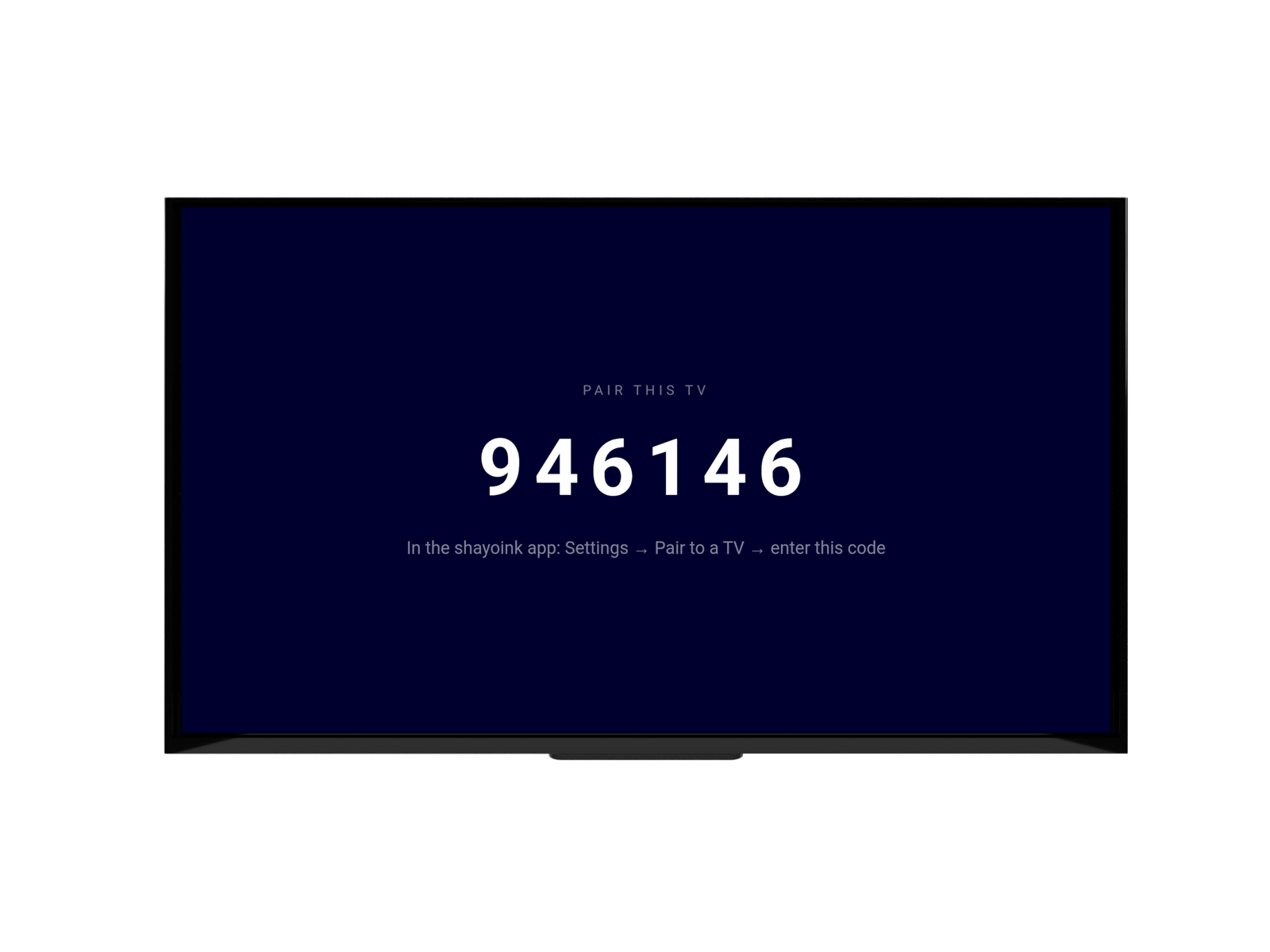
Yes. Pair as many TVs as you like — Apple TV or Fire TV — and each displays your live menu. Cast to a Chromecast on top of that, too.
How do I switch the TV to a different phone or account?
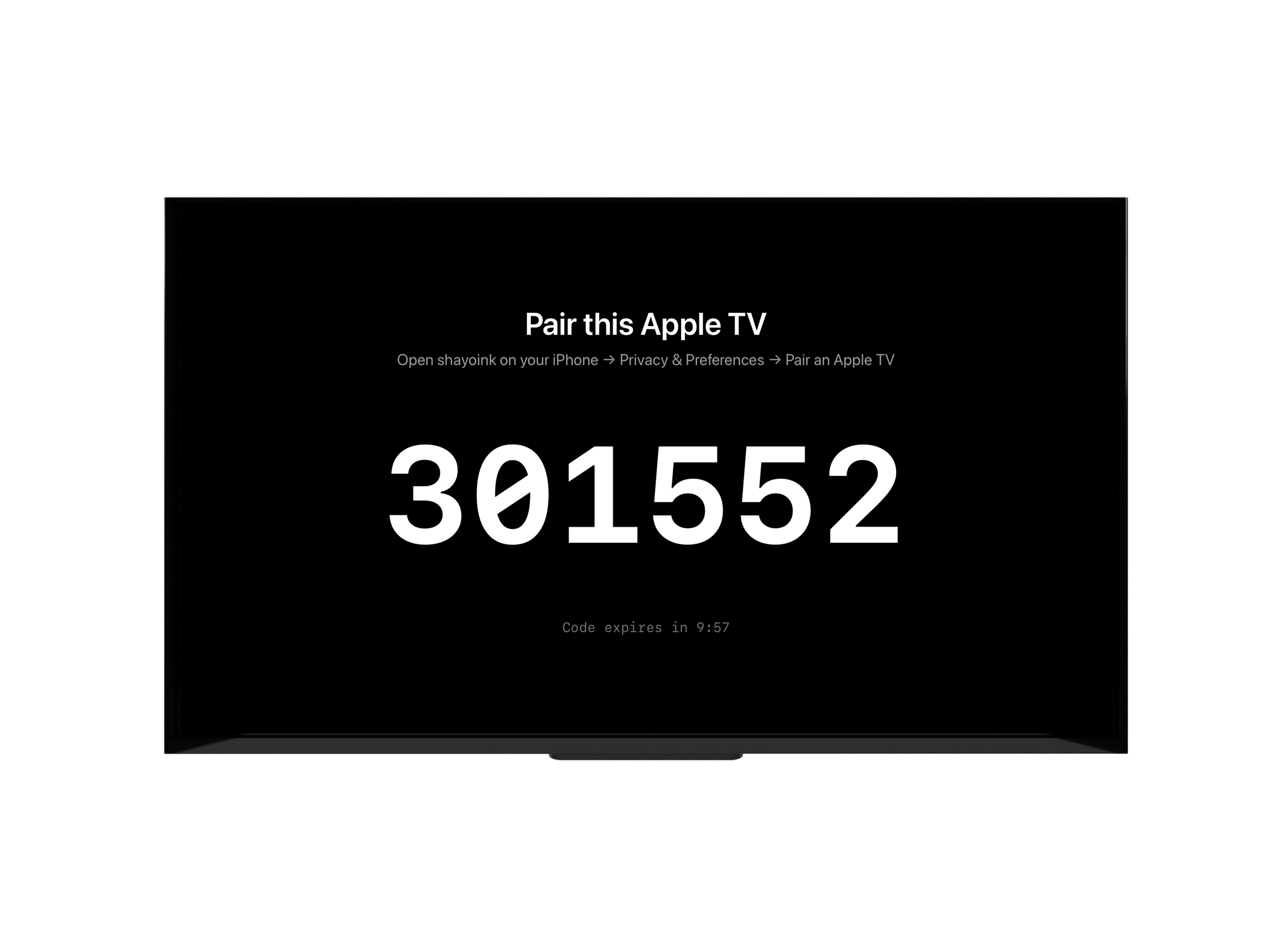
On the Apple TV remote, press the center (select) button while your menu is on screen, then choose Pair a different phone. The TV shows a fresh 6-digit code, and whoever pairs next takes over the display. Perfect for a shift change where each bartender shows their own menu. The remote is the only thing that can trigger this, so a guest's phone can't hijack your screen.
Do I need to keep my phone nearby?
Once an Apple TV is paired, it shows your menu on its own — your phone doesn't have to stay in the room. You just need your phone (online) to make edits.
Does it work without internet?
Casting and syncing to a TV need an internet connection. You can still build and preview your menu on your phone offline; it syncs to any connected screen once you're back online.
Is my menu public?
Only when you choose to share it. Your menu shows on screens you connect, and on menus you explicitly share with people — never browsable by strangers.